School fees by mobile money, at the office or from home
The first week of term is a queue at the bursar's window and a pile of mobile money alerts nobody can match to a child. Densu takes the payment and records it against the student in the same moment. At the office, the bursar picks the fee item, picks mobile money, and the parent pays from their own phone on any network. Cash goes on the same record.
Parents who cannot come in pay from your school link on their phone. They pick the fee, pay by mobile money or card, and the payment appears in your app with their name on it. No more "I sent it on Tuesday, check your phone."
- Mobile money on any network, or cash at the office
- Pay at the office or from the school link at home
- Every payment recorded against a named student
Instalments, with a balance per student
Most parents pay in parts, and keeping track of who has paid what is where the bursar's weekends go. In Densu the term fee is recorded once as a credit sale against the student. Each instalment reduces the balance. One screen lists every student with an outstanding balance, how much and since when.
When a parent comes in, the student's name shows the balance before anything is typed. The bursar can take the outstanding balance and this term's uniform in one visit, and the parent's receipt shows both.
SMS receipts to parents
Switch on SMS receipts and a parent with a phone number gets each payment by text. The printed or downloaded receipt shows what was paid and how, and carries a link to verify it. A parent who is asked by the other parent "did you pay the fees?" can forward the receipt. A school that gives a receipt for every payment gets fewer disputes and fewer visits to the office.
On Starter and up, your school crest and address go on the printed receipt, so it is clear who it came from.
Uniforms, books and extras from your school link
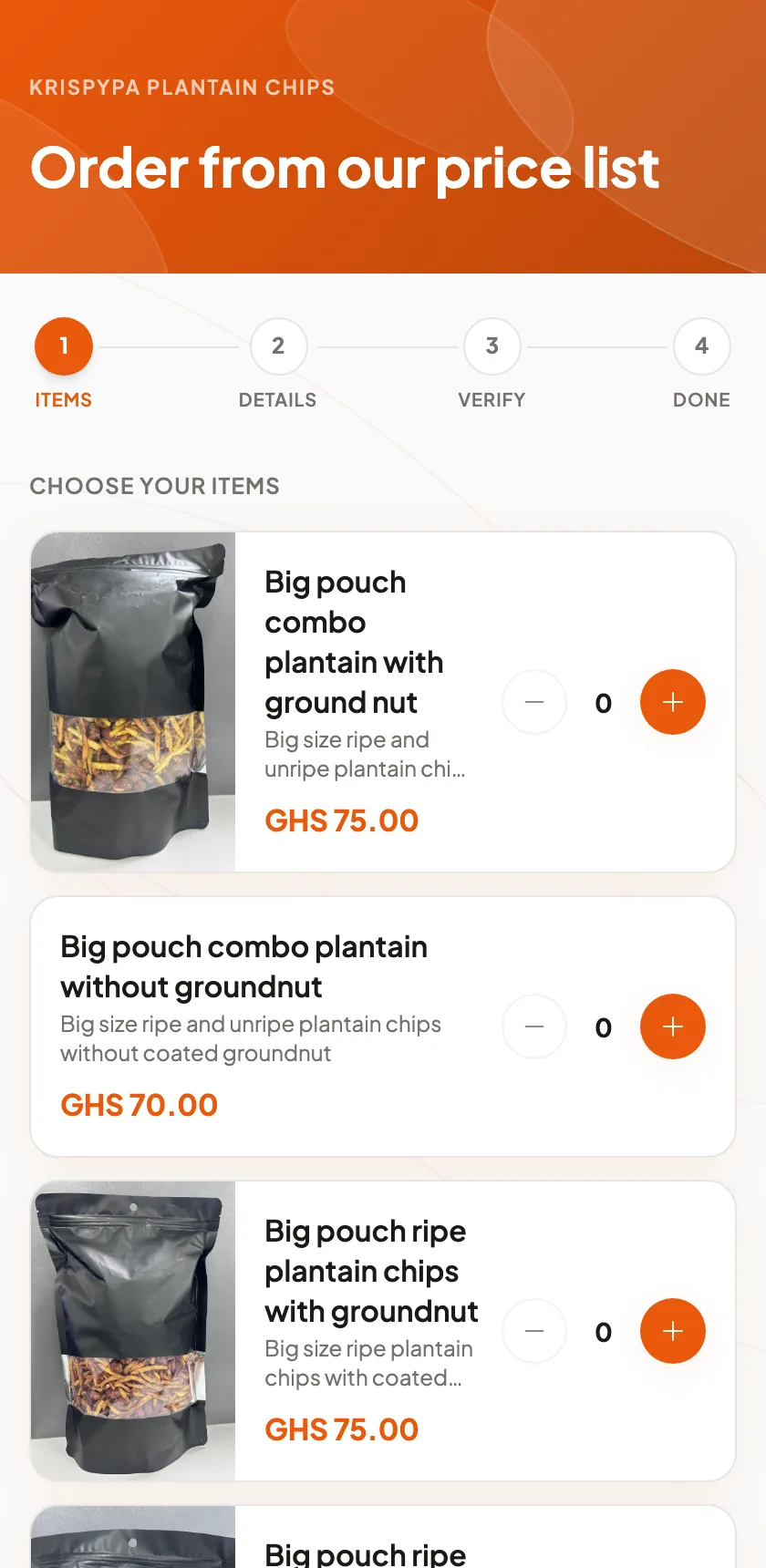
Your school address, like yourschool.densu.shop, is a public page with your fee items, uniform sizes, books and other extras with their prices. Parents open the link, order what they need, pay by mobile money, and the order appears in your app for collection on Monday. They can follow it in My Orders on their own phone.
For the back-to-school rush, make the uniform sale a campaign drop: a set number of each size, its own link, and it closes on its own when the stock is gone. Share the link in the parents' group chat and print the QR code for the notice board.
- A public price list of fees, uniforms and books
- Orders paid by mobile money, collected at school
- Campaign drops with a stock count for the uniform sale
Who sees what
The bursar and the office staff get their own accounts. Attendants see only the payments they took. A manager sees the whole office. The head or proprietor sees everything, including takings by staff for any day, week or term. If a payment is entered wrongly, it is corrected with a reason and the original stays in the record.
Expenses and the term-end number
Record salaries, utilities, feeding and repairs as expenses, and Densu shows what the school actually has left. Expenses, profit and loss and reports are free on every plan. The reports show takings by fee item, by class if you name your items that way, and by payment method, which is what the accountant and the bank ask for.
Which plan fits a school
A small school with one office can start on Solo. Your school link comes with every plan. Starter is for one user with room to grow, with SMS receipts, student balances and a free trial. Growth fits an office with staff: three accounts, inventory for uniform stock, with low-stock warnings. On Starter, inventory is a separate monthly add-on. Enterprise has no limits, which suits a school taking thousands of payments a term.
Prices are on the pricing page, billed monthly, with no setup fee and no contract.